

Producer friendly
PhD follows exactly the same procedure that a Producer does in order to pitch, produce and wrap any project :
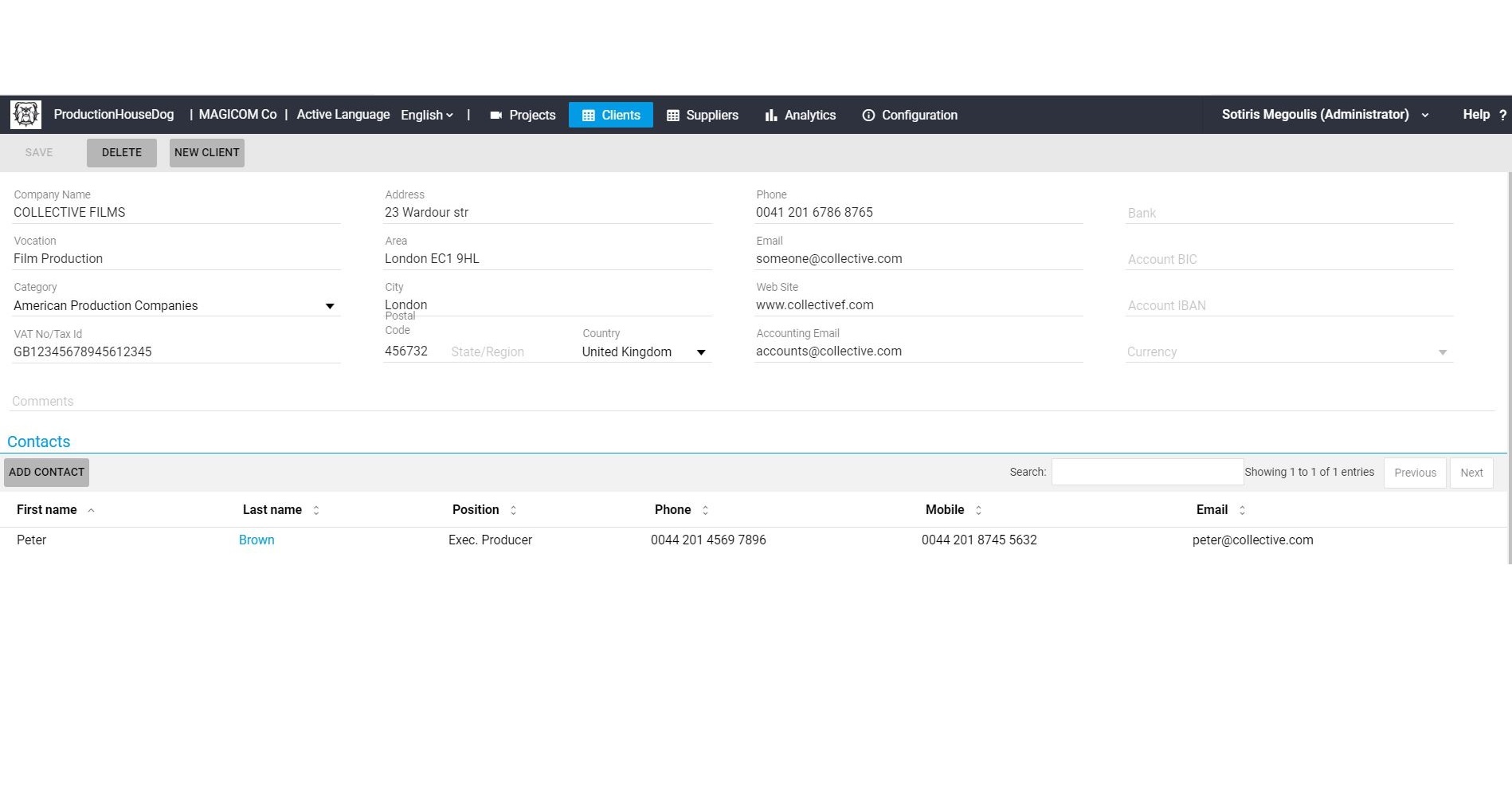
- Creates a new project and links it to a Client
- Selects a budget template
- Assigns it to a Producer and/or a Production Manager
- Prepares a Budget Estimate
- Sends one or more Bids
- If the Project is not awarded
- Closes it and it creates respective statistical data
- If the Project is awarded
- Makes deals with existing or new Suppliers
- Prepares NDAs
- Prepares Purchase Orders
- Prepares Contracts
- Stores supplier Invoices & Receipts
- Adds internal and/or overhead costs
- When a project is completed, PhD generates Reckon Reports which :
- Compare all Estimated Costs to actual expenses
- Tie External Costs with their respective invoices, receipts, etc
- Calculate Internal Company costs upon your rates
- Exports a Wrap Book in .zip file including: Lists, reports, contracts, invoices, POs, NDAs, etc
plus all items in detailed XLS spreadsheet, so your accountant can import them to your accounting records - Providing that you keep all your projects in your data server you can get annual or multi-year statistics about your sales performance, profit margins, clients and suppliers details
PhD has practically a zero learning curve. You can start using it immediately, because
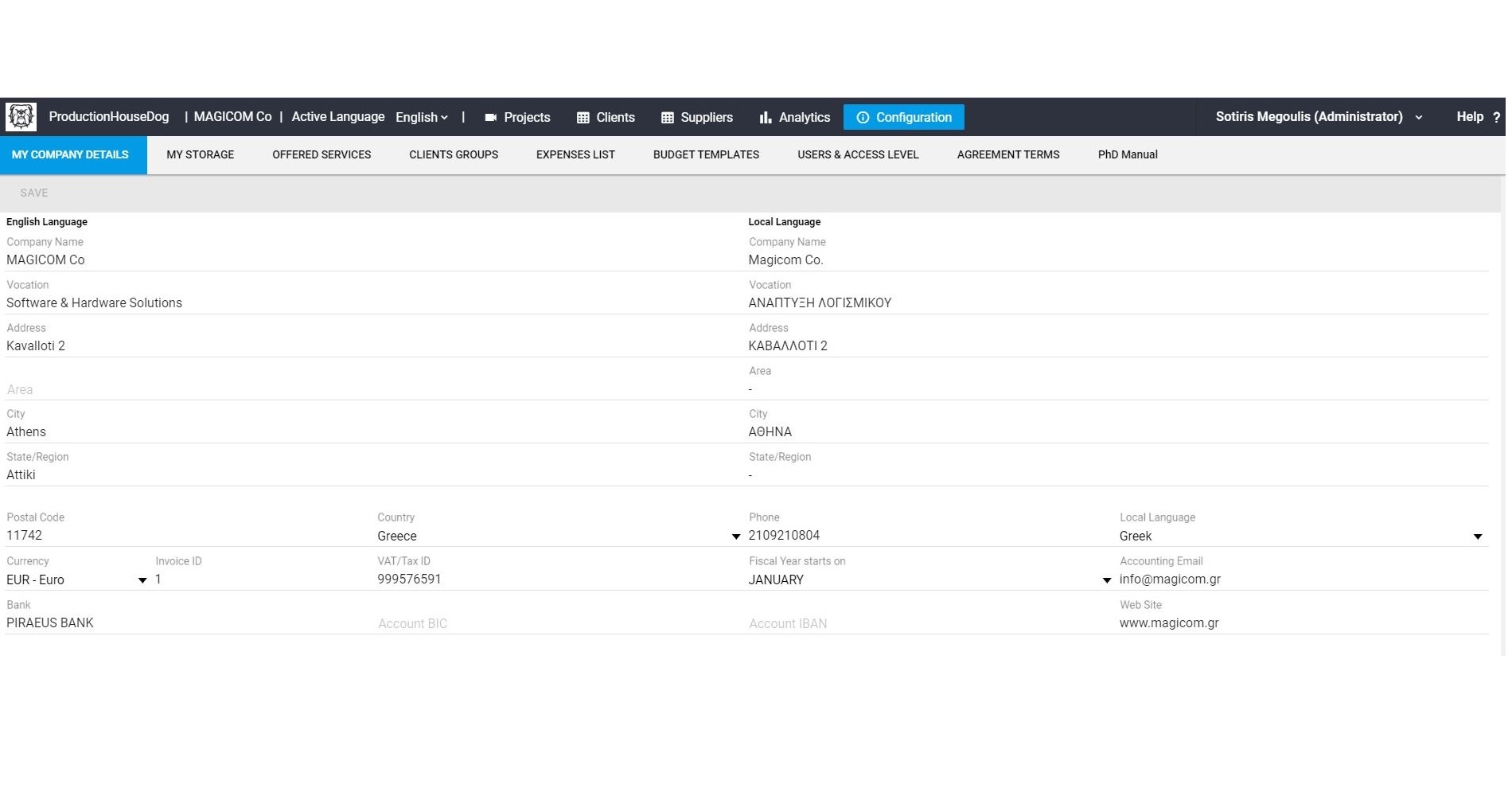
- PhD has built-in all production expenses types and services offered in our industry. Of course, you can add new expenses or services according to your needs anytime
- Bid Forms, Budget Templates, Memo Deals, Purchase Orders, Non-Disclosure Agreements, GDPR consent contracts, and other standard industry templates are also included. Naturally, you can amend them according to your specs.
- You can easily switch from English to your local language in the user interface, as well as in the exported bids, budgets, reports, statistics, etc.
- All budget reckons can be set up on any template that your Clients or your Producers are accustomed to.
- All project details can be exported in xls format, allowing your accounting software to automatically import them. If your accounting software does not allow such bridging, your accountant can inspect all the sorted data in order to enter them into your accounting software manually.
- There’s no need to read a manual. After PhD is initialized by your Administrator, your Producers and Production Managers can perform their tasks, following simple screens with film-friendly self-explanatory descriptions.

Screenshots






Subscriptions
If you would like to use PhD in your company or as a free-lance producer or production manager, just send us an eMail with your info and we will get back to you.
Then, should you wish to continue…
- You have to install SQL Server to your Data Server.
- Give temporary access to us (with AnyDesk or simmilar) to install our application to your PC or Server.
ADDITIONAL SERVICES
- Support by mail working hours and days.
Please e-mail us your requirements at subscriptions@
The PhD team